


Download GN Templates – Free Microsoft Office Templates for Powerful Documents
Overview
GN Templates for MS Office is a massive, royalty‑free library of ready‑to‑use document designs that works seamlessly with the Microsoft Office suite. Whether you need a polished resume, a data‑rich report, a captivating flyer, or a formal contract, GN Templates provides a professionally crafted layout that can be customized in seconds. The collection is curated by design experts who understand the visual language of business, education, and marketing, ensuring that every template follows current branding trends while remaining fully editable in Word, Excel, PowerPoint, and even Outlook.
Because the templates are stored in standard Office file formats (.dotx, .xlsx, .pptx), there is no proprietary lock‑in—users can edit, share, and save their work without any additional plugins or subscriptions. GN Templates is distributed as a single downloadable ZIP file that contains sub‑folders organized by document type, making it easy to locate the perfect design for any scenario. The free nature of the product eliminates cost barriers for students, freelancers, and small‑business owners who need high‑impact visuals without hiring a designer.
Moreover, the library receives regular updates that add new styles, modern color palettes, and industry‑specific layouts, keeping your documents fresh and competitive. In short, GN Templates transforms the time‑consuming task of document design into a fast, secure, and enjoyable experience, allowing you to focus on content rather than formatting.
Key Features
- Extensive Collection: Over 1,200 templates covering resumes, cover letters, business reports, project proposals, newsletters, flyers, invoices, calendars, and more.
- Full Compatibility with Microsoft Office: All files are saved in native .dotx, .xlsx, and .pptx formats, ensuring smooth operation on Word, Excel, PowerPoint, and Outlook.
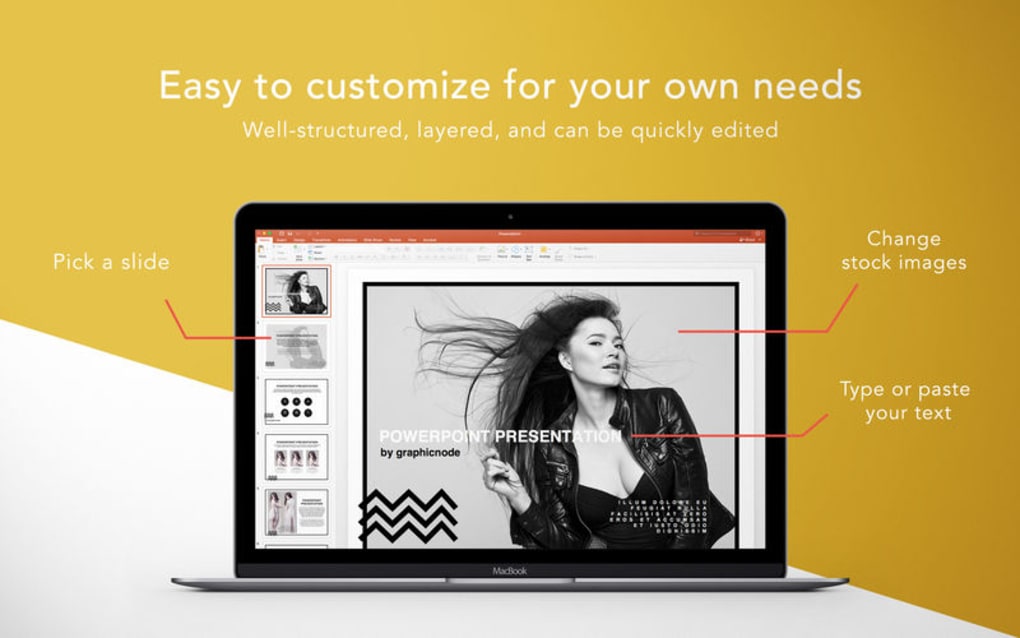
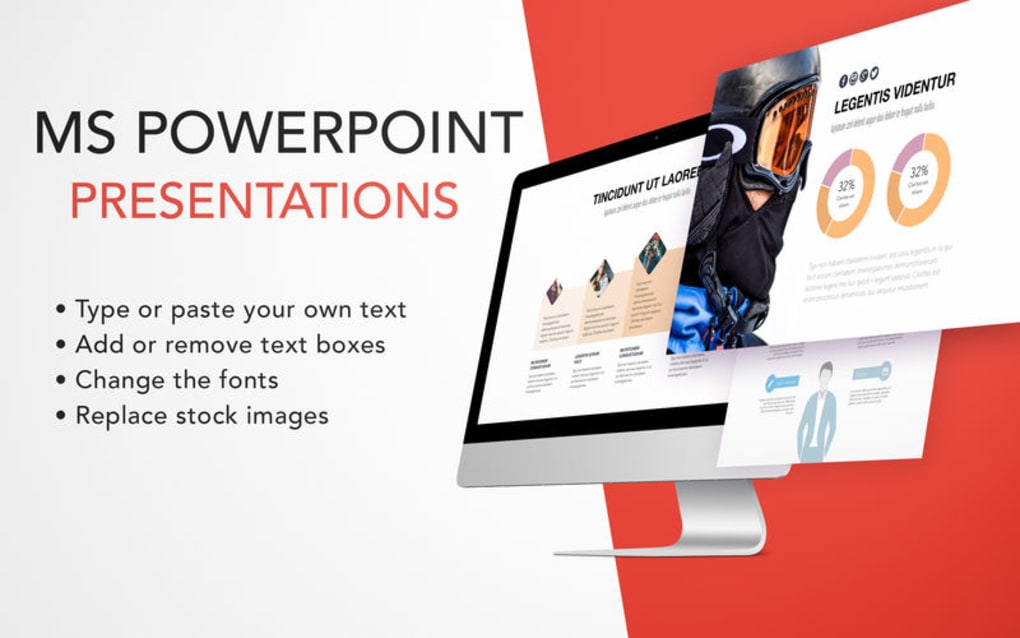
- Easy Customization: Editable placeholders, style guides, and color schemes let you personalize each template without breaking the layout.
- Regular Free Updates: New designs and seasonal themes are added quarterly, keeping your document library current.
- Cross‑Platform Support: Works on Windows, macOS, Android (Office mobile), and iOS (Office mobile) because the files rely on Microsoft’s cloud‑based Office apps.
- Secure Download: The ZIP package is signed with a SHA‑256 checksum, guaranteeing the file’s integrity and protecting against tampering.
- Zero Cost, No Ads: Completely free with no hidden fees, pop‑ups, or subscription requirements.
- Organized Folder Structure: Templates are grouped by category and purpose, making navigation quick for busy professionals.
- Documentation & Support: A PDF guide explains how to install, customize, and troubleshoot the templates, and a community forum offers peer assistance.
Installation & Usage Instructions
Getting GN Templates up and running is straightforward, even for users with limited technical experience. Follow these steps to start creating powerful documents within minutes:
Step 1 – Download the Package
Visit the official GN Templates website and click the Download Free ZIP button. The file size is approximately 85 MB, which includes all template categories. For added security, verify the SHA‑256 checksum provided on the download page.
Step 2 – Extract the Files
After the download completes, locate the ZIP file in your Downloads folder. Right‑click the archive and select Extract All… (Windows) or double‑click to expand (macOS). Choose a destination folder such as C:\Program Files\GN Templates or /Applications/GN Templates. Keeping the original folder hierarchy will help you find templates quickly.
Step 3 – Add Templates to Office
Open Microsoft Word, Excel, or PowerPoint. Navigate to File → Options → Save and click Browse next to “Default personal templates location.” Point the path to the Word, Excel, or PowerPoint sub‑folder inside the GN Templates directory. This step registers the templates so they appear directly in the New → Personal gallery.
Step 4 – Create a Document
From the Office New screen, select Personal (or My Templates on macOS). Browse the thumbnail preview, click the desired template, and start editing. Replace placeholder text, insert your own images, and adjust colors using the built‑in style palette. All changes are saved as a new file, leaving the original template untouched for future reuse.
Step 5 – Update and Maintain
Every three months GN Templates releases a new update bundle. Simply download the latest ZIP, extract it over your existing folder (or replace it), and restart Office to see the fresh designs. Because the templates are native Office files, updates never overwrite your customized documents.
With these steps, you’ll be able to leverage a professional design library without needing additional software or steep learning curves. The process emphasizes security, simplicity, and speed—key factors for any productivity‑focused user.
Compatibility & System Requirements
GN Templates is built to operate on any platform that supports Microsoft Office 2016 or later, including Windows 10/11, macOS 10.14 (Mojave) and newer, as well as the mobile Office apps for Android and iOS. Because the templates are saved in standard Office formats, they inherit the compatibility matrix of the host application. Below is a breakdown of the supported environments:
- Windows: Office 2016, 2019, 2021, Microsoft 365 (Word, Excel, PowerPoint). Requires .NET Framework 4.6+ for the checksum verification tool (optional).
- macOS: Office for Mac 2016, 2019, 2021, Microsoft 365. No additional runtime needed.
- Android: Office mobile app version 16.0+ (Word, Excel, PowerPoint). Templates open directly from the device’s file manager or cloud storage.
- iOS: Office mobile app version 16.0+ (iPhone, iPad). Supports opening .dotx, .xlsx, and .pptx files via the Files app.
Hardware recommendations are modest: a minimum of 2 GB RAM and 500 MB of free disk space for the template library. For the best experience, especially when handling large data‑heavy Excel templates, a modern processor (Intel i3 or equivalent) and SSD storage are advisable.
Because GN Templates does not require any background services or internet connectivity after download, it works in offline environments—ideal for secure corporate networks or travel scenarios where internet access is limited.
In summary, the template suite delivers a universal, cross‑platform solution that aligns with the most common Office deployments, ensuring that you can create striking documents whether you’re at a desktop workstation or on a mobile device.
Pros, Cons, and Frequently Asked Questions
Pros
- Completely free with no hidden costs or subscription fees.
- Massive library covering virtually every document type.
- Native Office formats guarantee perfect compatibility.
- Easy to install and integrate into existing Office workflows.
- Regular updates keep designs fresh and relevant.
- Secure download verified by SHA‑256 checksum.
- Works across Windows, macOS, Android, and iOS.
Cons
- Large initial download (≈85 MB) may be a concern on limited bandwidth.
- No built‑in cloud sync; users must rely on OneDrive or other services for backup.
- Advanced graphic customization may require additional design tools.
FAQ
Can I use GN Templates with the free version of Microsoft Office Online?
Yes. All templates are saved as standard .dotx, .xlsx, and .pptx files, which Office Online can open and edit. However, some advanced formatting (e.g., custom macros) may be limited in the browser version.
Do I need an internet connection to use the templates after they are installed?
No. Once the ZIP file is extracted and the templates are registered, they function completely offline. An internet connection is only required for future updates or if you store files in a cloud service.
Are the templates compatible with older versions of Microsoft Office, such as Office 2013?
The templates are optimized for Office 2016 and later. While they may open in Office 2013, some newer layout features (like content controls) could be lost or displayed incorrectly.
How often are new templates released?
GN Templates publishes a new update bundle every three months. Each update adds fresh designs, seasonal themes, and occasional improvements based on community feedback.
Is there any support if I encounter issues with a template?
Yes. The download package includes a detailed PDF guide, and a community forum is available for troubleshooting. For critical bugs, you can submit a ticket through the official support page.
GN Templates delivers a professional, cost‑free solution for anyone who needs polished Office documents quickly. Its extensive library, seamless integration, and regular updates outweigh the minor drawbacks of file size and lack of built‑in cloud sync.
Conclusion & Call to Action
If you’re looking for a reliable, free way to elevate the visual quality of your Microsoft Office documents, GN Templates is an excellent choice. The suite’s breadth of designs, cross‑platform compatibility, and secure, ad‑free distribution make it suitable for students, freelancers, and corporate teams alike. By downloading and installing GN Templates, you’ll gain instant access to hundreds of ready‑made layouts that save you hours of formatting work while ensuring a consistent, professional appearance. Don’t let bland documents hold you back—download GN Templates today, explore the variety of styles, and start creating striking reports, proposals, and marketing materials with confidence.







